THE LOBBY FLYER,
FINALLY WORTH READING.
Your property already has real discounts with the coffee shop, the barbershop, the taco spot everyone loves. PerkBoard turns that into a portal residents actually open, with the events and on-site classes those businesses run. Nothing for you to integrate, nothing to maintain.
Your best amenity is invisible
Every property builds these relationships. Almost none of them survive being written on a piece of paper.
Perks live in a drawer, not a device
A leasing agent’s memory, a lobby flyer, a move-in packet: all forgotten by month two.
Residents don’t know they’re welcome
They walk past a 10% discount every day with no way to know their own address earns it.
The property gets zero credit
Goodwill you’ve already built with local merchants never shows up on a tour or in a renewal call.
Fifteen minutes a month keeps it current
We seed the board with real nearby businesses on day one, so it is never empty. After that, one loop keeps it alive. No app to babysit, no content calendar to maintain.
Curate
Pick this month’s featured merchant in a few clicks.
Publish
It goes live on the board. No code, no approval chain.
Approve
New residents sign themselves up. One tap to approve, or auto-approve.
Discover
Residents browse, claim, and the next pick gets easier.
What your residents actually open
Your team picks what’s on it.
Every listing carries a badge only your team can give: a Resident Perk with plain-language terms, or a Recommended from staff who’ve actually been there.
No stars, no anonymous reviews: the trust comes from the property, not a crowd.
- Monthly Spotlight keeps the board feeling current
- Perk codes with a per-resident cap, honored however the merchant already works today
- One tap to directions or the merchant’s own ordering or booking page
- Events and weekly on-site classes under This week, each tied to the business and its perk
- Residents can tell the office when a perk gives them trouble; the office sees it before it becomes a complaint
What a resident does, start to finish
No app to install, no password to remember. Six moments, and most residents only ever see four of them.
Scans the QR in the lobby, or taps the link in the welcome email.
Registers with a name, an email and a unit. No password, ever.
Sign in with this email to see your perks.
Good once, for 15 minutes.
The office approves with one tap, or it’s automatic. Every sign-in after that is a fresh link by email.
Opens the board: the Spotlight, perks by category, this week’s events.
Show this at checkout.
Claims a perk code and shows it at the counter. The business honors it the way it already works.
Gets one digest a month, only if they asked for it.
What the office does, in three screens
The dashboard as the office sees it: approve, feature, send. A tour walks a new team member through it in two minutes.
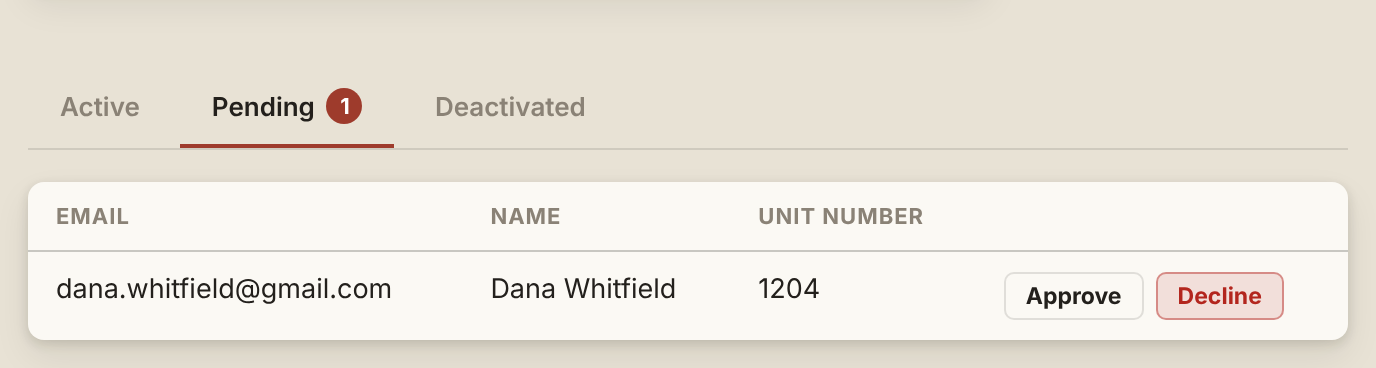
A sign-up lands here with the unit on it. One tap approves; the resident gets their sign-in link.
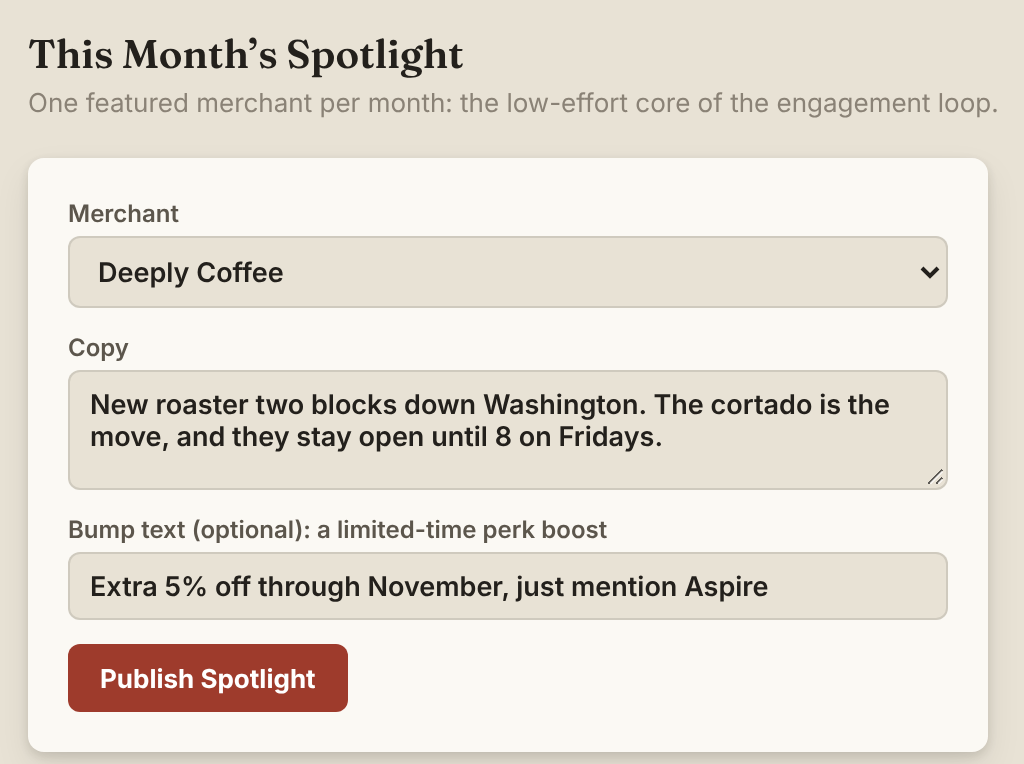
Pick a business, write a sentence, publish. It leads the board and the digest.
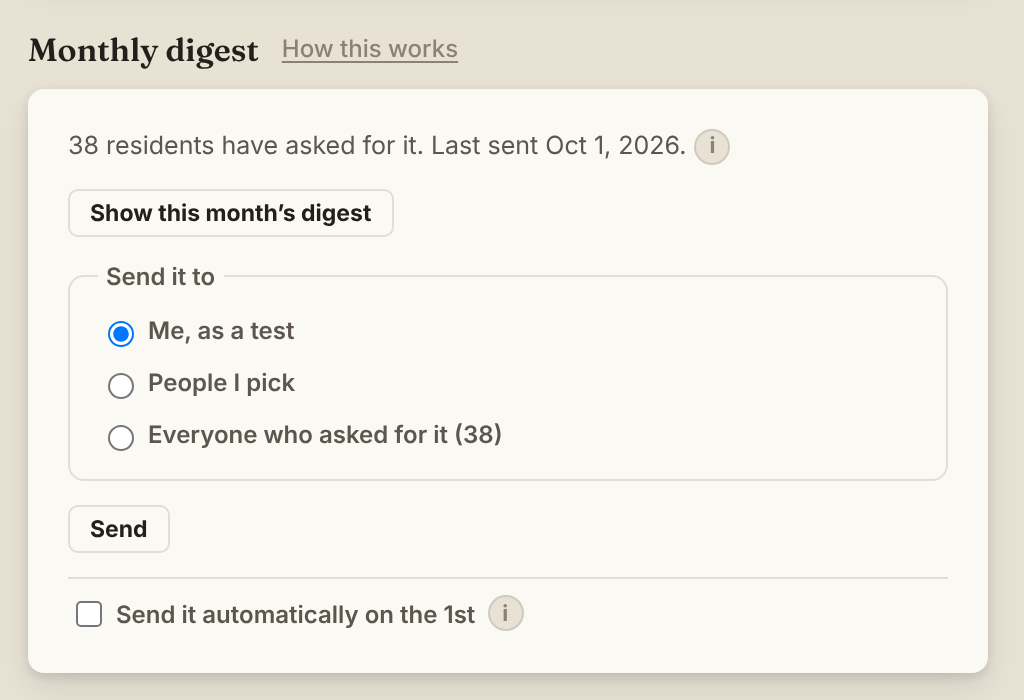
Read it, send it to yourself, then to everyone who asked. Or let it go out on the 1st.
For an office with no spare hours
A marketable amenity
Something concrete to point to on tours and in renewal conversations.
One-tap resident approvals
Self-registration with unit capture flows straight into a simple queue.
Nothing on your side to maintain
Perks are redeemed however each merchant already verifies today. If merchant integrations ever arrive, they are a merchant-side relationship, not yours to configure.
What we hold, and what residents agree to
A resident gives a name, an email and a unit number, nothing more, and agrees to the Terms of Use and Privacy Notice when they register. The monthly digest is opt-in, with a one-tap unsubscribe in every issue. Each perk is confirmed in writing by the business before it goes on the board.
The property’s agreement with Cloudplexit is the Subscription Terms, linked from every quote.
Let’s put your relationships on the board.
PerkBoard is onboarding a small number of founding properties directly. We set the board up with you; there is no self-serve pricing page yet.
PULL TAB TO GET IN TOUCH